

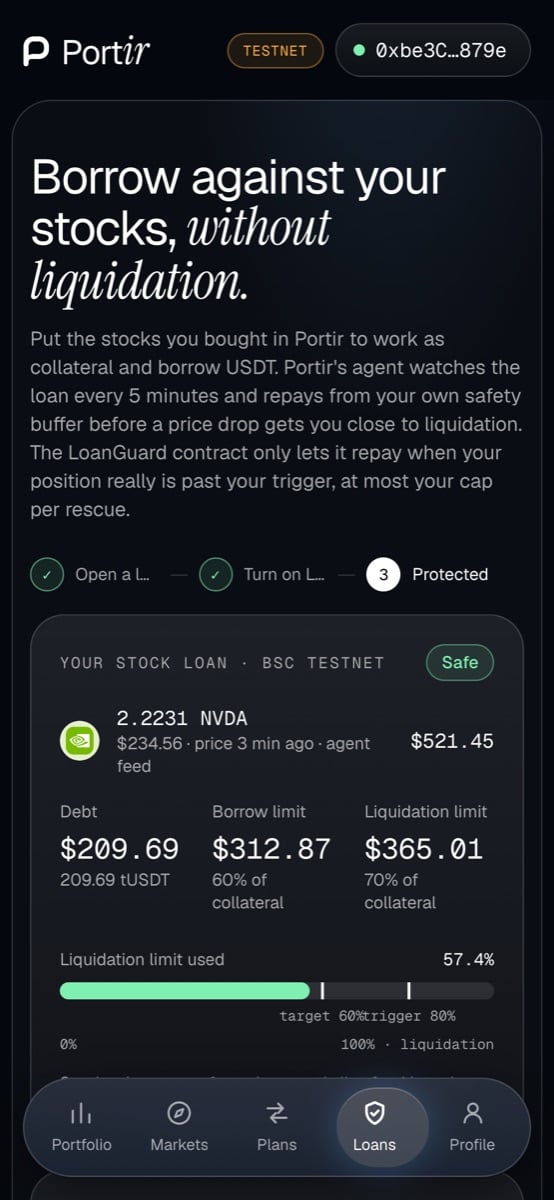
Your loan on a phone
1
Open Loans
Pick a stock Venus accepts as collateral: NVIDIA, Tesla, SpaceX or SK Hynix.
2
Choose a borrow size
The slider sets the borrow as a share of your borrow limit (10% to 90%).
3
Protect
Keep Protect on. Set the cap per rescue (default 200 USDT) and the safety buffer.
4
Sign the batch
One batch: buy the stock through the Guard → supply as collateral → borrow USDT → set the guard → approve the buffer. On testnet it includes 10,000 free tUSDT if you need it.
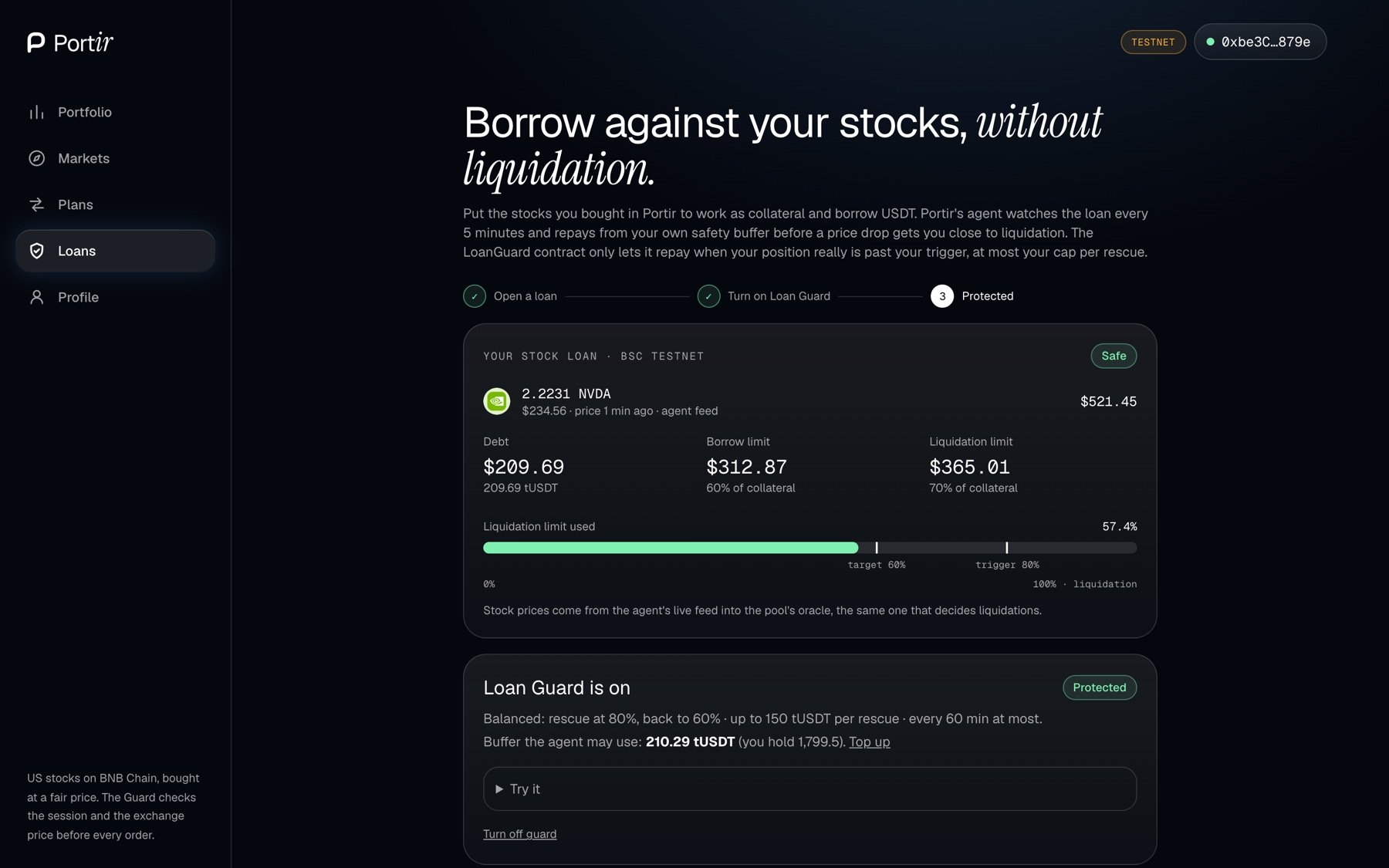
Used limit, trigger and target at a glance