

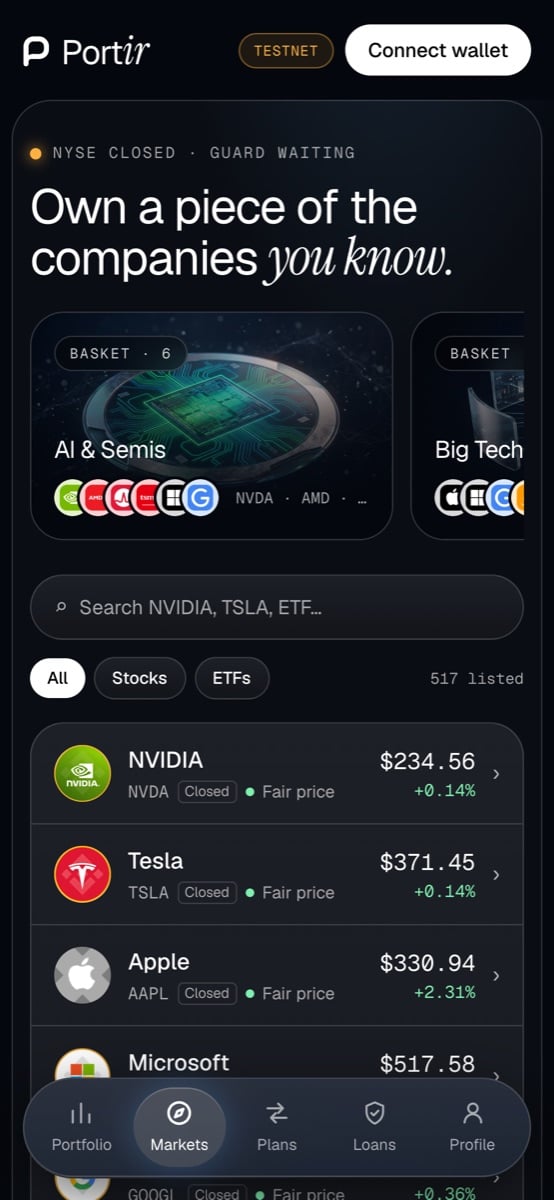
Markets
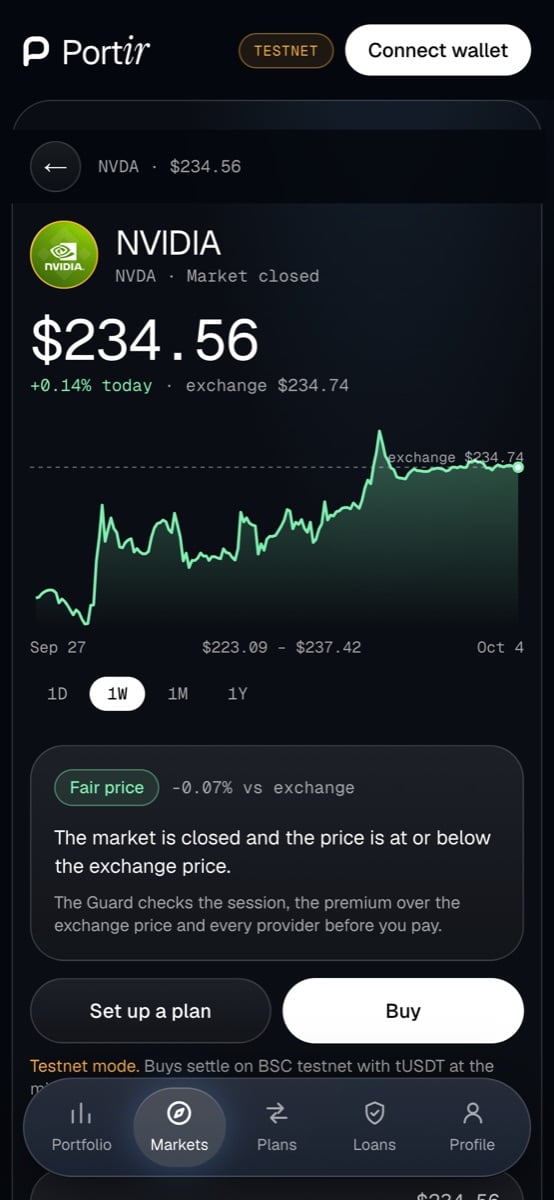
Guard
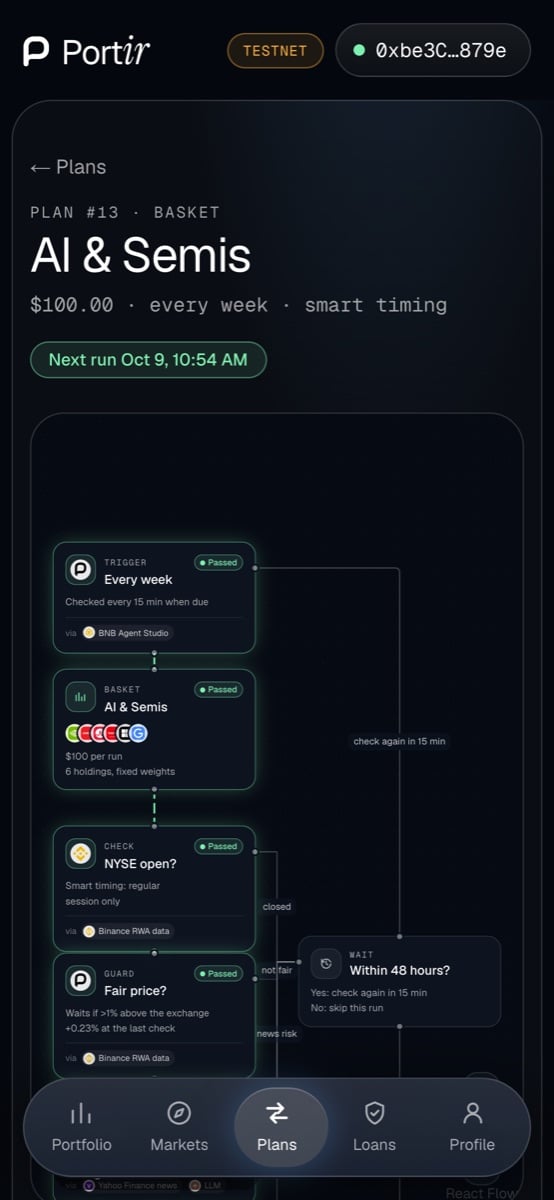
Plan flow
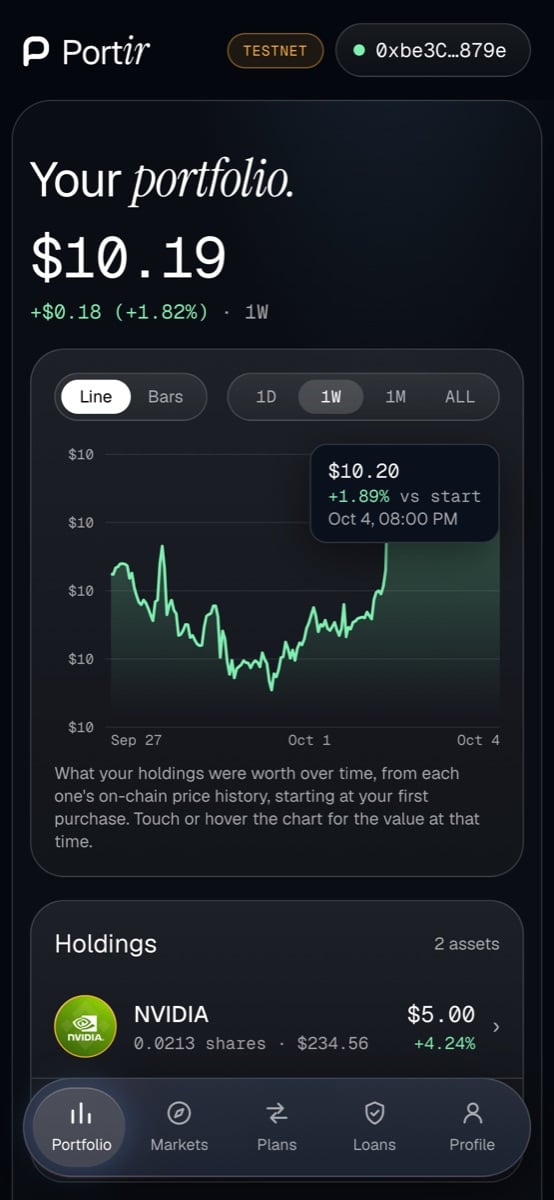
Portfolio
1
Open the app and connect
Go to app.portir.xyz and connect a browser wallet (Binance Wallet or MetaMask; on a phone, open the app inside the wallet’s own browser). See Connect a wallet.
2
Stay on testnet
The app starts in testnet mode (Profile → Mode). Get a little tBNB for gas from the BNB Chain faucet, then tap Get 10,000 tUSDT on the Profile page (no cooldown).
3
Pick a stock and read the Guard
Open NVIDIA (testnet supports the 20 featured stocks and every basket holding). Under the chart you see the session, the on-chain price against the exchange price, and a verdict: GO, WARN or BLOCK with one sentence.
4
Buy
Tap Buy, enter an amount and sign. On testnet the trade settles on
TestExchange at a quote signed with the live mainnet price. The shares appear under Portfolio.5
Set up a plan
Plans → New. Choose a stock or a basket, an amount per run and a cadence (weekly, every 2 weeks, monthly). Turn on Smart timing to wait for the US open. Sign the plan, then tap Allow so the registry may fund it.
6
Watch the agent
Every 15 minutes the agent checks your plan. Each run shows up on the plan page and its flow diagram as Executed, Waited or Skipped, with the reason.
Next
Buy when fair
A one-time order the agent fills when the price clears.
Borrow with Loan Guard
Borrow USDT against your stocks with an automatic rescue.