> ## Documentation Index
> Fetch the complete documentation index at: https://docs.portir.xyz/llms.txt
> Use this file to discover all available pages before exploring further.
# Telegram reports
> Get a message for every run and every rescue.
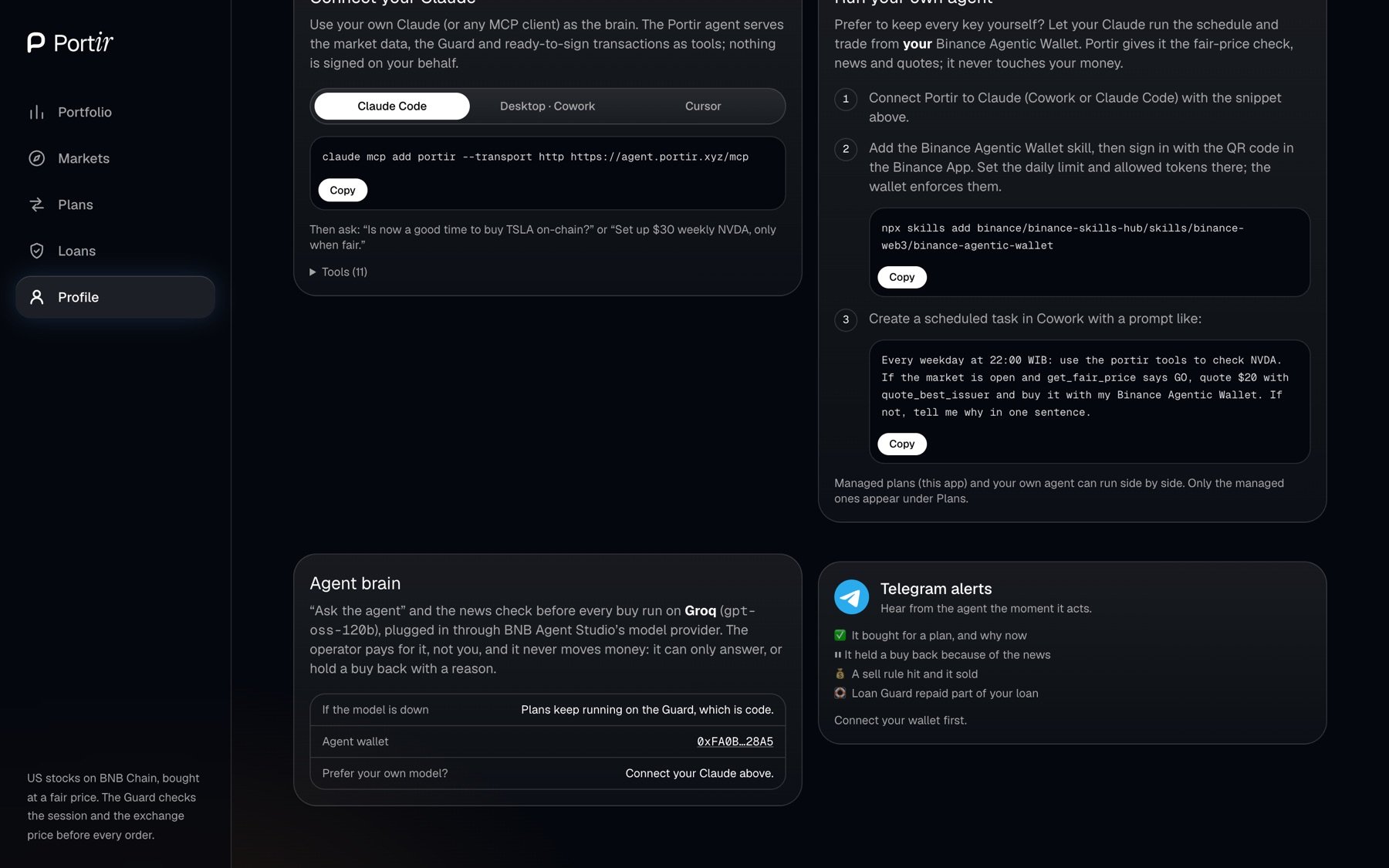 Connect your wallet first.
It opens the Portir bot with your wallet address as the start parameter.
The bot links that address to your chat.
From then on you receive one message per recorded outcome (✅ Executed, ⏸ Waited, ⏭ Skipped) with the reason and a BscScan link, plus every Loan Guard rescue. The bot is read-only: it cannot move funds.
This documentation is built and hosted on [Mintlify](https://mintlify.com), a developer documentation platform.
Connect your wallet first.
It opens the Portir bot with your wallet address as the start parameter.
The bot links that address to your chat.
From then on you receive one message per recorded outcome (✅ Executed, ⏸ Waited, ⏭ Skipped) with the reason and a BscScan link, plus every Loan Guard rescue. The bot is read-only: it cannot move funds.
This documentation is built and hosted on [Mintlify](https://mintlify.com), a developer documentation platform.