> ## Documentation Index
> Fetch the complete documentation index at: https://docs.portir.xyz/llms.txt
> Use this file to discover all available pages before exploring further.
# Ask the agent
> Chat with the Portir agent in the app, or bring your own Claude.
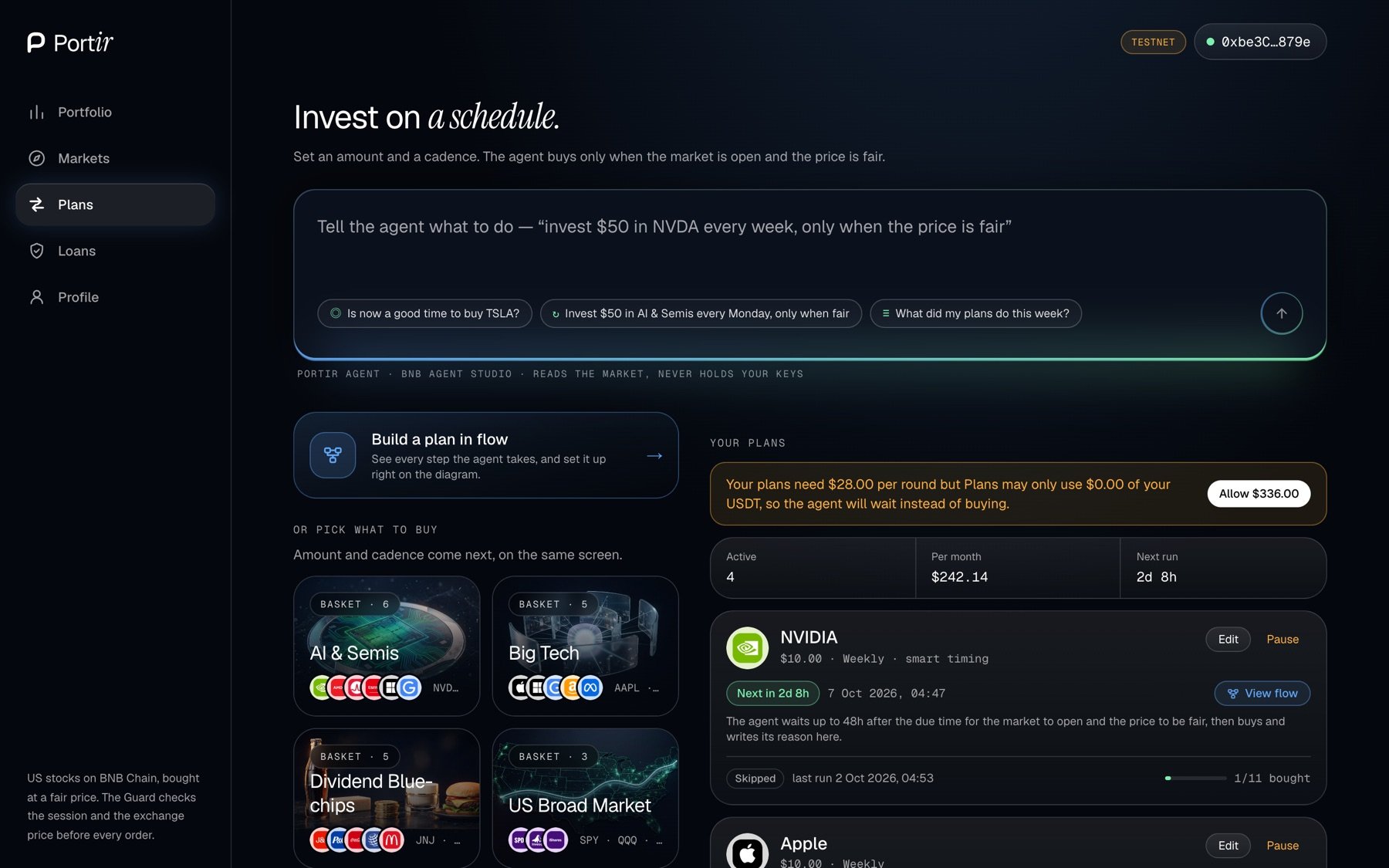 ## In the app
On the Plans page, type a question or an instruction:
* *"Is now a good time to buy TSLA?"*
* *"Invest \$50 in AI & Semis every Monday, only when fair."*
The agent answers with the same tools the MCP server exposes. When it proposes a plan, your wallet signs it; the agent never signs for you.
## In the app
On the Plans page, type a question or an instruction:
* *"Is now a good time to buy TSLA?"*
* *"Invest \$50 in AI & Semis every Monday, only when fair."*
The agent answers with the same tools the MCP server exposes. When it proposes a plan, your wallet signs it; the agent never signs for you.
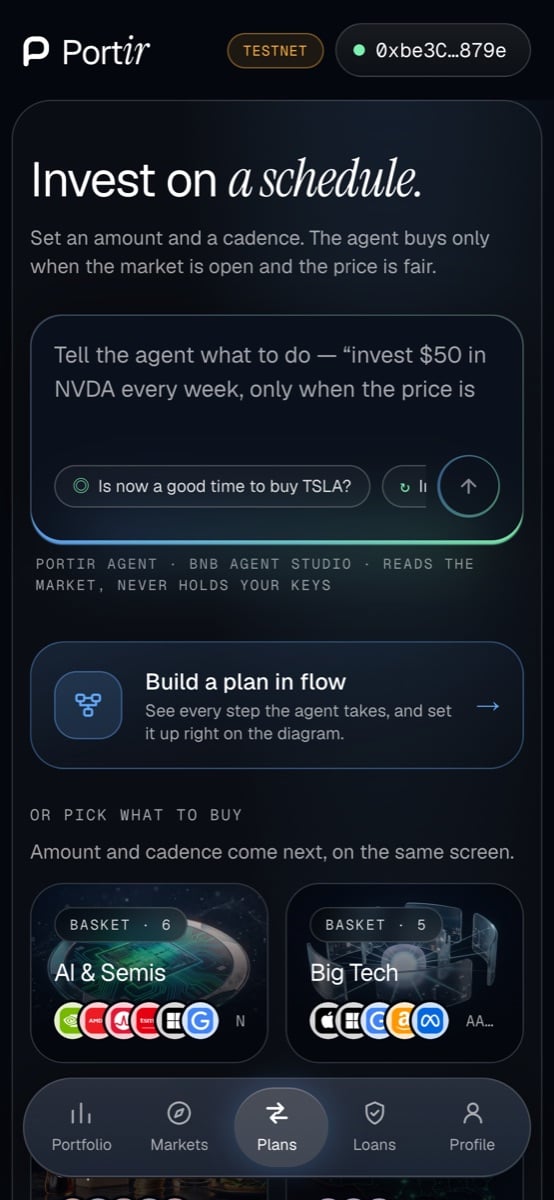 ## With your own Claude
```bash theme={null}
claude mcp add portir --transport http https://agent.portir.xyz/mcp
```
See [MCP server](/developers/mcp-server).
This documentation is built and hosted on [Mintlify](https://mintlify.com), a developer documentation platform.
## With your own Claude
```bash theme={null}
claude mcp add portir --transport http https://agent.portir.xyz/mcp
```
See [MCP server](/developers/mcp-server).
This documentation is built and hosted on [Mintlify](https://mintlify.com), a developer documentation platform.